
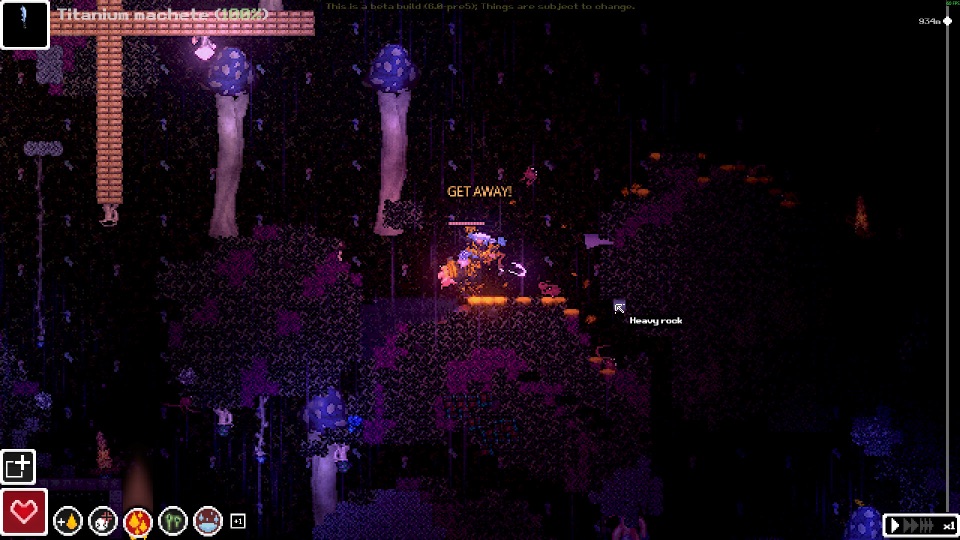
Official Steam screenshot · Game imagery © respective owners. Material credits.
Start from the developer’s own community link
The developer’s itch.io distribution page contains a Discord server link. The invite extracted in the supplied research is https://discord.gg/VeCSKv7AKa, which is the recorded destination of that developer-controlled link. Starting from the distribution page gives you a clear chain from the game’s creator to the community destination instead of relying on an unrelated server directory.
The game’s older Scav Prototype name remains in the itch.io address. That historical address is still relevant to finding the developer’s page and its outbound links. Check the author identity and the game description when following it, so the older name does not cause you to discard the correct recovery route or substitute a different community with a similar title.
Understand the server’s broader Orsoniks context
Discord’s collected game-directory entry describes a server for Orsoniks’ games and work. The community context is therefore broader than a promise of one specific public channel for each Casualties: Unknown topic. The research identifies the developer-linked destination without claiming access to a private channel list or inventing roles, permissions or internal server sections.
This distinction is useful when a player expects a game name to match the server title exactly. Follow the provenance of the invite rather than deciding authenticity from a familiar-looking label alone. The developer page and the directory establish the connection, while any current channel organization remains something to read within the actual server rather than assume from this guide.
Recover the current link from the developer page
Discord invites can change, so the recorded code should not be treated as a permanent guarantee. If following it fails, return to Orsoniks’ itch.io page and use the Discord link shown there. This recovery method stays attached to the same developer-controlled source instead of sending you through a series of replacement invites whose ownership has not been checked.
The research workflow did not validate joinability or inspect private channels. It consequently does not provide member counts, a claim that someone joined successfully or a promise that a particular account can access the community. The useful verified information is where the developer links and how to find that link again if the recorded invitation is no longer usable.
Send package-specific questions to the right mod context
Casualties Together and skin-mod creators also maintain support communities or documentation associated with their projects. Those destinations concern their own packages rather than automatically serving as the original game’s official community. Check the author and purpose of a support link before labelling it as the developer’s Discord or expecting it to answer unrelated base-game questions.
A multiplayer-installation problem is best described with the actual co-op package and the game version involved. A skin problem additionally needs the replacement package and its resources context. Keeping those details attached to a question makes it possible to identify the relevant instructions without claiming that every Discord invite in a modding video leads to the same support team.
Make a gameplay question specific enough to answer
The supplied material covers recurring questions about crafting, dressings, barking and the differences between the demo and full release. When asking about one of those systems, identify the task and the exact instruction or status shown by the game. That provides more context than saying only that the tutorial stopped or the character is losing health.
Include whether you are using the Steam demo, the itch.io build or a different version. The collected sources describe meaningful differences between those distributions, including old key-binding issues and separate release changes. This context helps keep a reply about one build from being applied to another situation that only appears similar on the surface.
Include versions and file context for mod questions
For the documented demo modding workflow, relevant details include the game product, required BepInEx release and the installed package. Casualties Together names the Steam demo and an archive layout, while the skin replacement has its own resources directory. Mentioning those specifics makes it easier to compare a question with the author’s instructions instead of guessing from the word mod.
Also identify whether the problem concerns installation, launching, connecting to a session or skin visibility. Those stages involve different parts of the collected documentation, even if they all appear in one video. A precise question can point to the right stage without assuming that the game community or a mod server has personally tested every combination of versions.
Cross-check release facts with public official sources
Use the developer’s Steam announcements and the official store for release facts. The collected announcement gives the planned Windows launch and distinguishes full-game content from demo updates. These public sources let you check a claim without relying on a screenshot of an unidentified message or a private conversation that cannot be evaluated in context.
The same principle applies to platform and multiplayer claims. Steam lists the base game as single-player, and the reviewed official material does not supply console or mobile release dates. Keep community discussion useful for questions and experiences while checking an asserted official feature against the developer or publisher source that would establish it.
Use Reddit and Steam discussions for their own purposes
The research also identifies r/casualtiesunknown, the older r/scavprototype community and the Steam community hub. These are additional places where public questions or references may appear, with their own context and history. Finding a useful discussion there does not make its author the developer or turn a community moderation decision into an official game statement.
For the Discord destination itself, return to the developer-owned link as the main reference. For a technical answer, compare the relevant written documentation and the build described by the player. This keeps the community entry point, package support and official announcement channels distinct without inventing private server information or presenting unrelated creator invites as the game’s own community.
Identify the source behind an invitation before sharing it
An invite is most useful when its origin travels with it. For the game community, name Orsoniks’ developer page as the place where the Discord destination was collected, rather than presenting an isolated code as a permanently validated access promise. If that code stops working, the same source gives the reader a way to recover the developer’s current link without guessing which replacement server is related to the game.
For a mod-support invitation, keep the project author and package name attached instead. The collected materials distinguish the original game community from Casualties Together, skin-mod support and creator-owned spaces mentioned in videos. Sharing that distinction helps another player choose the right destination without implying that everyone who publishes a helpful tutorial is operating the developer’s server.
Use public written sources when a factual claim needs checking outside the conversation. A store listing, developer announcement or mod README can establish the platform, release scope or installation layout being discussed. This lets the community link serve its purpose as an entry point for questions while keeping private-channel claims, unverified membership figures and unrelated invitations out of the guide.
Sources and version context
This guide uses research checked on November 8, 2026. Demo instructions, announced release content and community projects retain their separate version context. Follow the linked developer or project documentation for the source of each release or installation claim.