
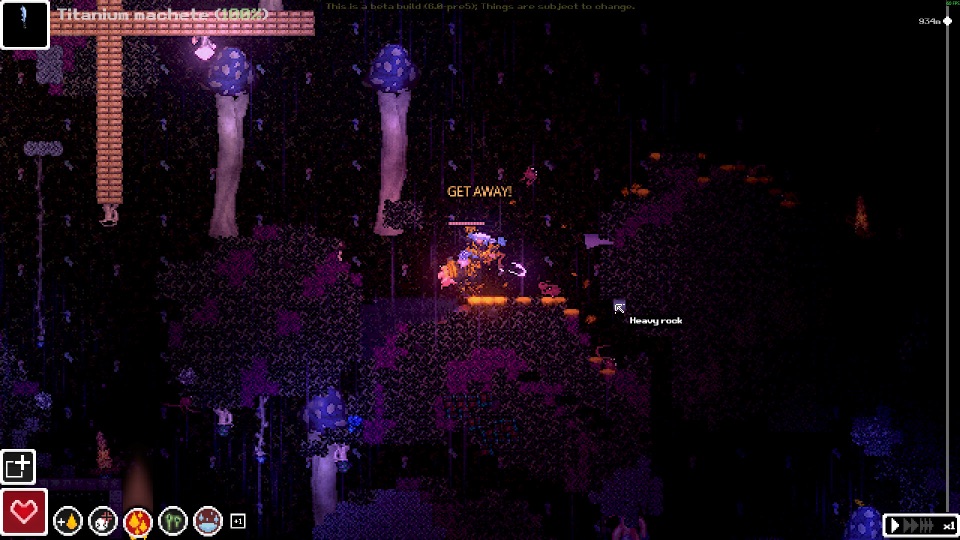
Official Steam screenshot · Game imagery © respective owners. Material credits.
Choose a reference for the question you actually have
A useful wiki visit starts with the system you are trying to understand. Item pages can help with names and roles, tutorial pages can explain training progression, and layer entries can orient a run. Those categories answer different questions, so an overview of the entire game is not automatically the best source for a specific recipe or an injury warning.
For a first run, the developer recommends playing the in-game tutorial before descending. Use written references alongside that training rather than replacing the displayed instruction with an unrelated guide’s assumptions. When the game asks for a full Dressing or a bark to continue, the exact current task matters more than a broad description of crafting or character sounds.
Understand why the older Scav Prototype name remains
Casualties: Unknown was previously known as Scav Prototype. The older name remains in the community wiki address and in the developer’s itch.io distribution URL. Recognizing that history helps you identify relevant sources instead of dismissing them solely because their address does not repeat the current title.
The name connection does not make every old guide current. Prototype instructions can concern different builds, settings or recipe quantities from the Steam demo, while a release announcement concerns another stage of the project. Keep the identity of the game separate from the question of whether a particular page describes the version you are using.
Use crafting references to inspect the actual result
The developer’s crafting text documents C or the on-screen button for opening crafting. It also explains nearby ground materials, inspecting an item’s uses by dragging it onto the crafting button and checking Intelligence requirements. Those practical features let you compare a written guide with the recipe shown by the game rather than relying entirely on an old static table.
The Dressing tutorial problem is a good example of why the result name matters. The documented demo solution combines two Ripped Dressings into the finished Dressing, which differs from making another ripped component. A specific recipe explanation is more useful for that question than an undated claim to list every recipe across all versions.
Read injury pages as explanations of distinct systems
The game’s injury simulation distinguishes external wounds, internal bleeding and other damage. Ordinary Dressing slows bleeding and supports skin and fracture recovery, while the developer’s description says it does not restore muscle health. A guide that collapses every condition into one general heal action can therefore obscure the distinctions that the game’s own item and status text makes.
Brain-health warnings also need context from oxygen and circulation, as explained by the tutorial. A status icon is not a complete diagnosis by itself, and a community page described as unfinished should not become the sole basis for a precise recovery promise. Use the actual warning names and related health displays when comparing a written explanation with your character’s condition.
Separate the five-layer demo from full-game references
The Steam demo covers five layers, while the full game was announced with eleven. The recorded demo order is Gravel Lands, Deeper Gravel Lands, Dried Desert, Wasteland and Overgrown Depths. That distinction is the starting point for understanding whether an area named in a reference belongs to the demo you can normally play.
The developer’s release text includes later-layer names, but the existence of a text entry does not establish public-demo accessibility. A playtest or command demonstration can show something outside ordinary demo progression. Check the product and version before treating such material as a route you should be able to follow inside your current run.
Know what developer text and community documentation establish
The developer’s English repository is a strong reference for wording, item display names, tutorial prompts and status labels. It is not the executable game logic, so an isolated text string should not be stretched into an independently tested claim about every runtime mechanic. Use it for the thing it actually supplies, then keep version and availability questions separate.
Community references can add practical explanations and point to recurring player problems. Their own quality warnings and the age of an article remain relevant when evaluating detailed figures or a supposed complete guide. A clearly sourced, version-specific answer is more useful than a long table whose entries combine prototype material, pre-release strings and modded behavior without distinction.
Check author sources for modifications and official sources for platforms
Steam lists the base game as single-player, while Casualties Together documents a community co-op option. The mod author’s requirements establish its supported demo workflow, loader and archive layout, which the base game’s store page does not try to explain. Use the source that owns the relevant claim instead of treating a community multiplayer video as a change to the official product listing.
For platforms, the checked official release information specifies Windows. The unofficial Android fan project is a separate community adaptation and does not establish an official mobile or console edition. Keep platform availability attached to the developer and publisher’s announcements rather than accepting an unrelated download page simply because it uses the game’s name.
Carry the research date into release-sensitive advice
These materials were checked on November 8, 2026, before the announced November 9 full release. The developer said the demo would not receive the full game’s changes, so a demo reference and a release guide remain separate resources. Preserve that context when comparing character progression, recipes or later environments instead of assuming the newest title automatically validates every older paragraph.
When a claim matters to your next action, identify the source, the product and the version it describes. Use the in-game tutorial for the current instruction, author documentation for a mod’s installation and official announcements for releases. That gives you a practical way to use a wiki without treating this independent fan site or any community reference as the official game website.
Build a useful answer from a small set of matching sources
For a practical question, first identify the action or decision you need to make. A recipe problem needs the intended output and menu requirements, a medical warning needs the named condition, and a mod installation needs the package’s target build and archive layout. Choosing those details before opening more references makes it easier to recognize which parts of a long page actually answer your situation.
Then compare sources that concern the same product and version. The developer’s text can confirm a tutorial prompt or display name, a dated announcement can confirm a release plan and an author README can confirm its own package instructions. Two pages repeating the same upstream material do not necessarily provide two independent tests, so clarity about what each source supplies matters more than the number of links in a list.
Finally, retain the version context when using or sharing the answer. This site’s material is an independent synthesis of the collected research, with source links and a visible check date rather than a claim of official status or first-hand testing of every mechanic. Use the focused article for the specific question, and return to the relevant developer or project source when a later build changes the detail you need.
Sources and version context
This guide uses research checked on November 8, 2026. Demo instructions, announced release content and community projects retain their separate version context. Follow the linked developer or project documentation for the source of each release or installation claim.